
Shopify Platform Guides
The Shopify launch checklist we use before handover
Most launch problems are operational, not visual. The checklist we run across catalog, checkout, shipping, analytics and handover before a Shopify store goes live.
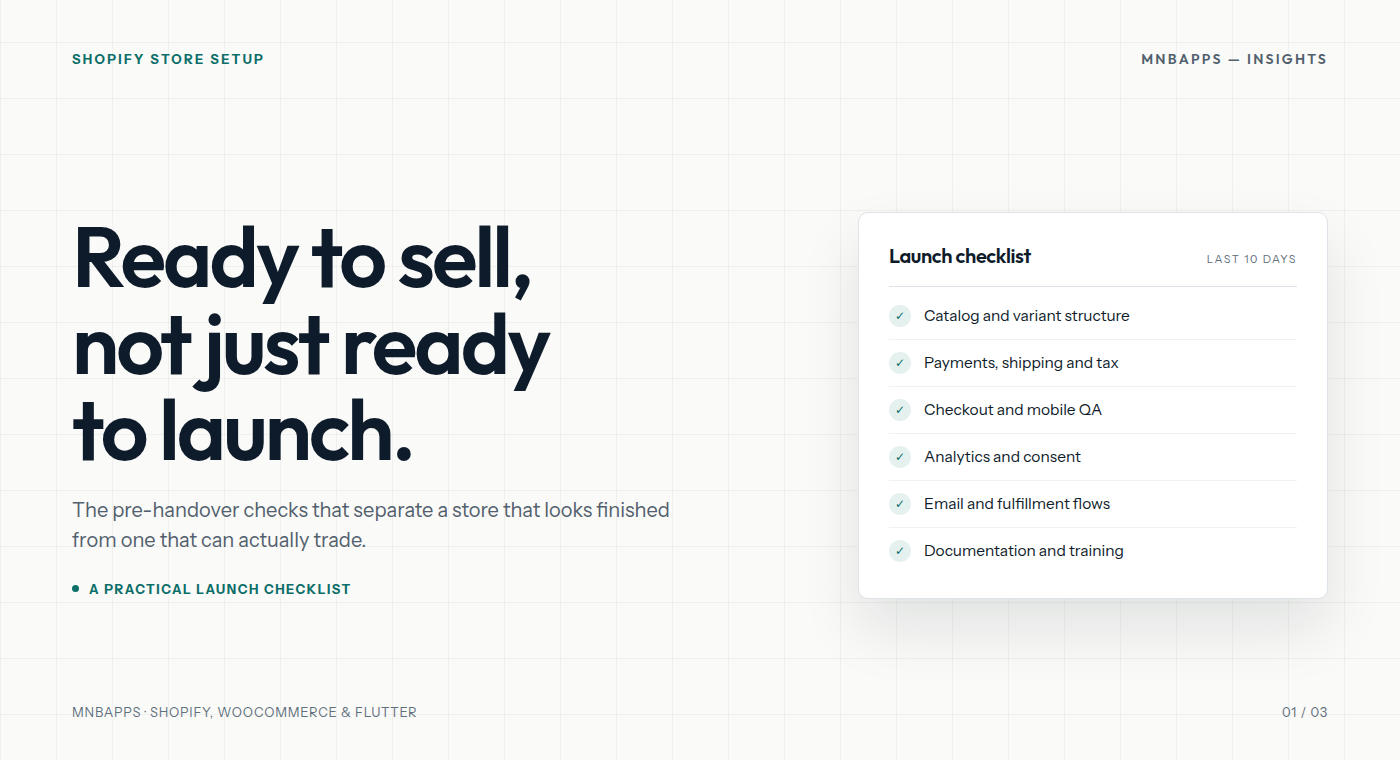
A launch date is not a finish line. It is the first day your store has to survive real customers: mistyped addresses, expired cards, sold-out variants, a discount code applied twice, and a support inbox that nobody has checked since the staging site went live.
Most launch failures we see are not design failures. The homepage looks fine. The problem is usually a gap in the operational details behind it. This is the checklist we run before handing a Shopify store over, and the order we run it in.
1. Fix the catalog before polishing the theme
Product data is the foundation for checkout, shipping, tax, search and reporting. Get it wrong and every later step inherits the problem.
- Model variants correctly. A product with three sizes and four colors should be one product with twelve variants, not twelve separate products. Separate products break reporting, inventory visibility and the customer’s ability to switch options in the cart.
- Check weights and dimensions. Shipping rates depend on them. A missing weight can turn a calculated rate into a flat fallback, or push an order into the wrong bracket.
- Set tax categories deliberately. Clothing, digital goods and shipping can be treated differently depending on where you sell. Do not leave every product on the default category because the store is new.
- Build collections as navigation, not decoration. Automated collections based on tags or product type stay accurate as the catalog grows. Hand-picked collections need an owner and a review date.
- Write product copy for the buying decision. Materials, dimensions, compatibility, care instructions and delivery expectations do more work than another paragraph of brand story.
Before design sign-off, place a test order containing a multi-variant product, a discounted product and an out-of-stock item. Fix the data model now, not after launch.
2. Test payments, shipping and tax as a customer
Payment and shipping settings are where “it worked in preview” stops being reassuring. Test every method you plan to offer, including the ones you expect to be rarely used.
Payments
- Place a real low-value order with each active payment method, then refund it. Confirm the refund path and the customer email.
- Check capture settings. Authorize-only payments need an operational process for capture and expiry.
- Test a failed card and a cancelled payment. Make sure the customer sees a useful message and the cart survives.
- If you use local bank transfer or manual payment, write down who confirms it and how the customer is notified.
Shipping
- Test each shipping zone with a realistic address, not just your own office postcode.
- Check free-shipping thresholds against product weights and discount behavior.
- Confirm pickup, local delivery and international options appear only where they should.
- Run an order that qualifies for two rates and make sure the cheapest is not accidentally hidden.
Tax
- Confirm tax-inclusive or tax-exclusive pricing matches what customers expect in each market.
- Check exemptions, reduced rates and digital-goods treatment with your accountant, not a theme setting.
- Verify the tax total on the order confirmation, the Shopify order and the invoice.
One misconfigured shipping profile can undo a week of design work. Test the total, not just the individual settings screen.
3. Run checkout QA on real devices
Checkout is the least forgiving part of the store. It should be tested on an actual phone, on a normal mobile connection, not only in a desktop browser with a responsive viewport.
- Complete a guest checkout. Requiring an account is a conversion decision, not a default.
- Test address autocomplete and manual entry. Check that apartment, province and postcode fields behave correctly in every market you serve.
- Apply a discount, remove it, apply it again. Test gift cards and a sold-out item in the cart.
- Check the thank-you page, the confirmation email and the order in Shopify admin. They should tell the same story.
- Test error states: declined card, invalid postcode, unavailable shipping rate, expired session.
- Check the checkout in Safari on iOS and Chrome on Android. Pay attention to the keyboard covering fields and the back button behavior.
4. Measure performance before adding another app
App stacks grow one “small” integration at a time. Each app can add scripts, fonts, images and third-party requests to the storefront. By launch week, the theme is often carrying code nobody has audited.
- Record a baseline on the home, collection and product templates before installing anything new.
- Audit which apps inject scripts on the storefront versus only in admin. Disable storefront scripts you do not use.
- Compress and size images correctly. A beautiful 4000px lifestyle image is still a slow image.
- Remove duplicate functionality: three popups, two review widgets and two analytics tools do not make a stronger store.
- After each change, test the product page on a throttled connection. If the main content arrives late, the app is not free.
Performance is not a score to optimize in isolation. It is the speed at which a customer can understand the product, trust the store and finish checkout.
5. Agree on the analytics events that change decisions
More tracking is not the same as better measurement. Before launch, define the small set of events you will actually use.
- Product viewed, added to cart, checkout started and purchase — with the right currency and value.
- Search usage, collection filtering and out-of-stock views if those change merchandising decisions.
- Consent state, so analytics and marketing tags behave correctly for each visitor.
- UTM conventions for campaigns, so reporting does not turn into a naming cleanup project later.
Test the purchase event end to end with debug tools. Check for duplicate purchases, missing currency and events firing on the thank-you page more than once. Exclude internal traffic before you start comparing weeks.
6. Close the loop on email, fulfillment and support
The order is not finished when payment succeeds. It is finished when the customer receives the right product and knows what to do if something goes wrong.
- Brand the transactional emails and check them on mobile. Confirm the sender domain and reply-to address.
- Document the fulfillment flow: who picks, who packs, when tracking is added, what happens on partial fulfillment.
- Set up shipping confirmation, delivery follow-up and refund emails. Test each one with a real order.
- Write the returns policy and put it where customers look for it, not only in the footer.
- Decide who owns support, what the response window is and which questions get a saved reply.
7. Hand over the store, not just the login
A handover is complete when the client can operate the store without calling the agency for routine work.
- Transfer ownership of the domain, Shopify account, payment provider, analytics and ad accounts where appropriate.
- Document installed apps, their purpose, who pays for them and what happens if they are removed.
- Record a short walkthrough for product uploads, discounts, order edits, refunds and content changes.
- Leave a rollback plan: theme backup, export of products and a named contact for launch-week issues.
- Schedule a 30-day review to look at real orders, support themes and the first performance data.
The 10-day pre-launch sequence
| Window | Focus | Exit condition |
|---|---|---|
| Days 10–8 | Catalog, variants, tax categories, collections | Test order can be built without manual fixes |
| Days 7–5 | Payments, shipping zones, rates, tax | Every offered method completes and refunds correctly |
| Days 4–3 | Checkout, mobile QA, emails, fulfillment | Full order lifecycle works on a real phone |
| Days 2–1 | Analytics, consent, performance, content freeze | Purchase event verified; no new apps installed |
| Launch day | One controlled order, monitoring, support cover | Client can find and refund the order unaided |
Two rules keep launch week calm: do not install a new app in the final 48 hours, and do not launch on a Friday unless someone is available all weekend. Neither rule is glamorous. Both prevent the same category of problem.
If you are preparing a Shopify launch and want a second pair of eyes on the operational side, our store setup service covers catalog structure, payments, shipping, tax, QA and handover. You can also send us the short version and we will reply with a scoped approach.